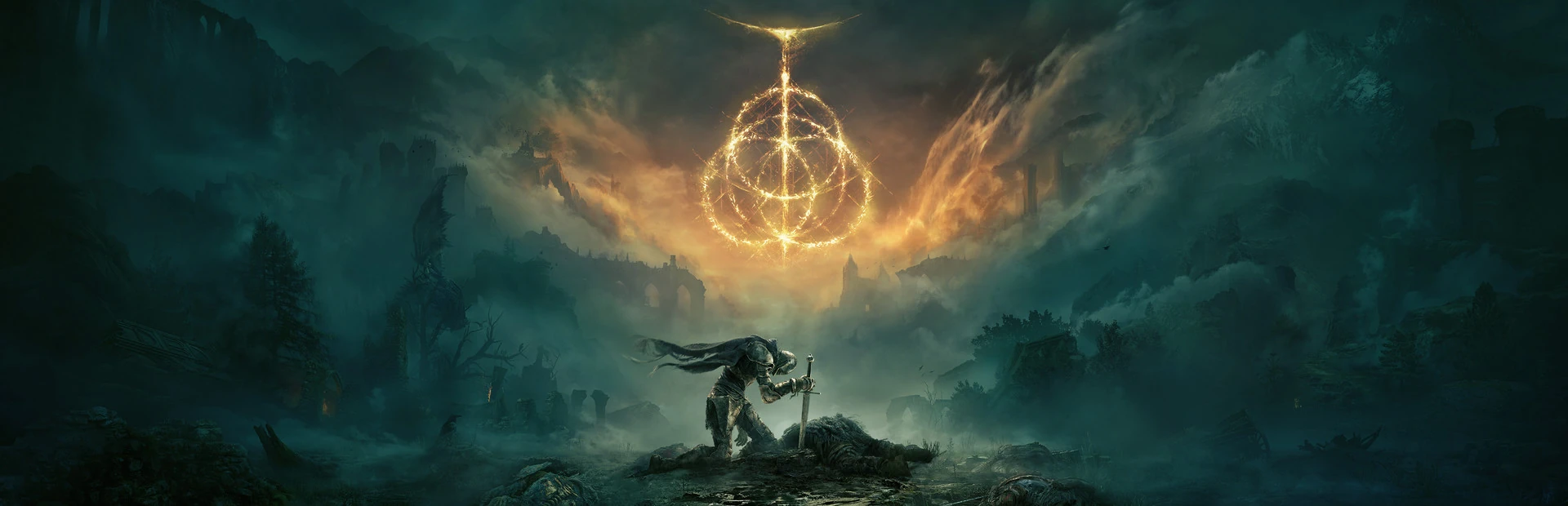
01 / Elden Ring · Available
REWRITEyour adventure.
Walk the Lands Between at your own pace. Shape your offline journey with health, stamina and camera controls.
Step insideMore freedom to explore. More ways to play. Meet the companion built around your next adventure.
Windows 10 / 11 · x64 · 55.9 MBEvery adventure has more than one path. Find yours.
Walk the Lands Between at your own pace. Shape your offline journey with health, stamina and camera controls.
Step inside
A new kingdom. Your own way through it. Explore Hornet’s combat, movement and Bind controls.
Step inside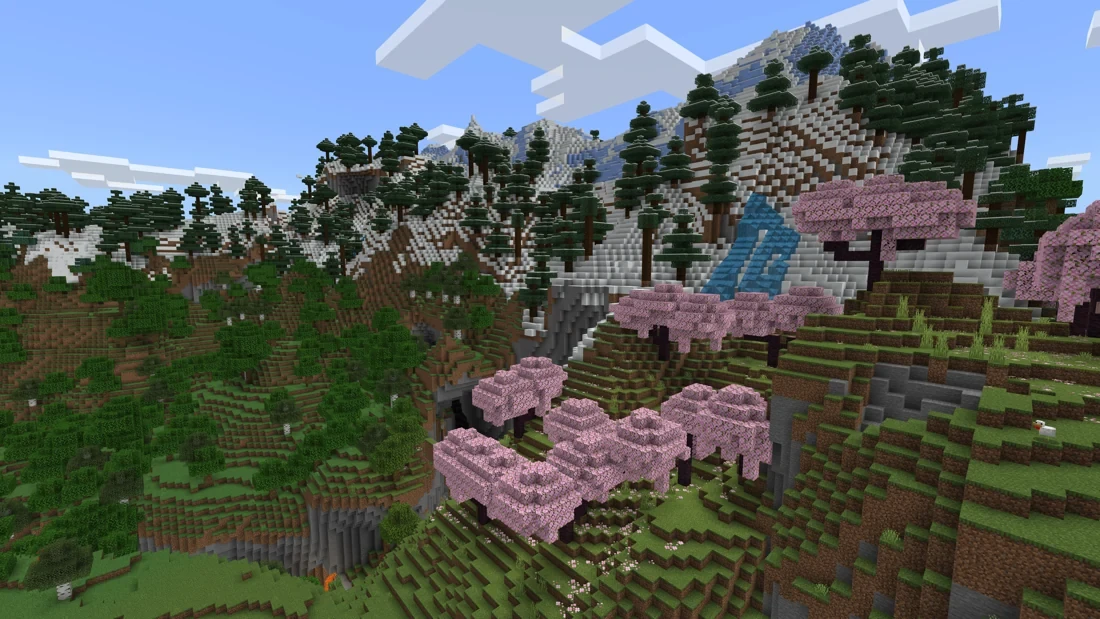
Follow your coordinates. Keep your waypoints. Make more room for discovery in supported local worlds.
Step inside
Descend into Hallownest with a new perspective. Tune your movement, view and resources from one place.
Step inside10 supported entries, including 2 betas.
Explore current compatibility before you play.
Your library, your settings, your shortcuts. All in the same place, ready for the next time you play.
Get to know ZINIX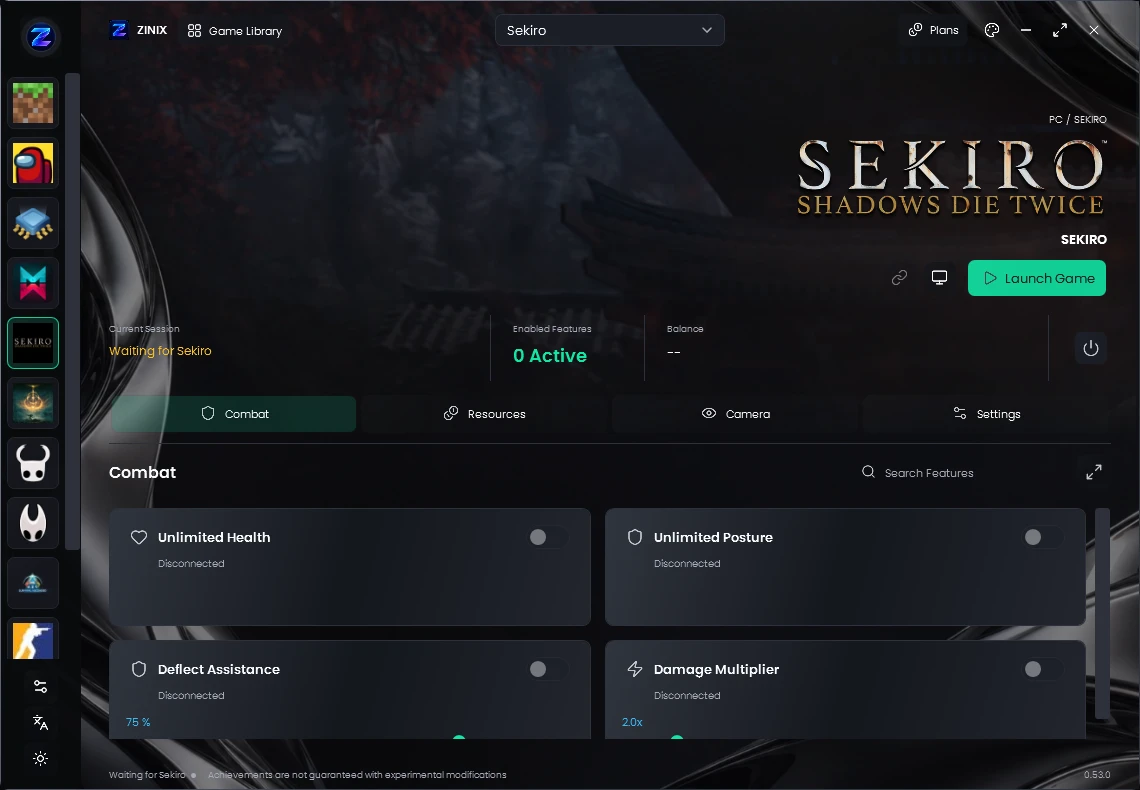
Try a few controls right here. This interactive preview shows how settings change a scene; your game controls live in the Windows app.
Explore the feature guideSave features, values and shortcuts from every section of one game together. Every supported game has one dedicated Profiles tab for your named setups.
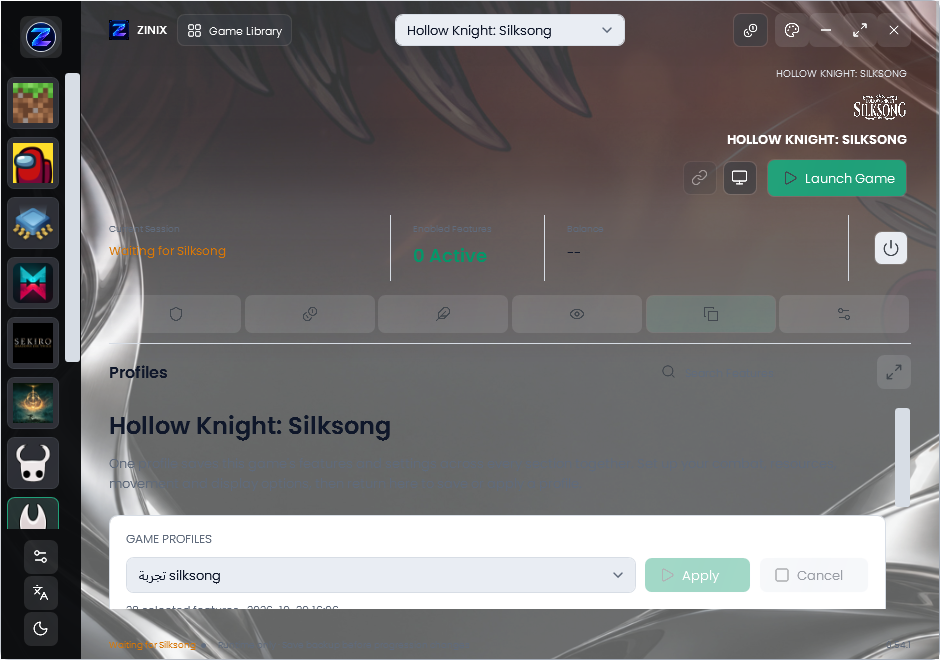
Choose features and adjust values across any of the game’s sections.
Open Profiles, name your setup and save. Update, rename or delete it there.
After reopening ZINIX, select the saved profile and press Apply.
Profiles stay local to your account and device. Features require the normal game connection and active access. Currency, unlock and other one-time actions are not repeated.
 UPLOAD
Manage your lab’s resources and production with a dedicated set of controls.
A dedicated in-game display with resource filters and controls for your setup.
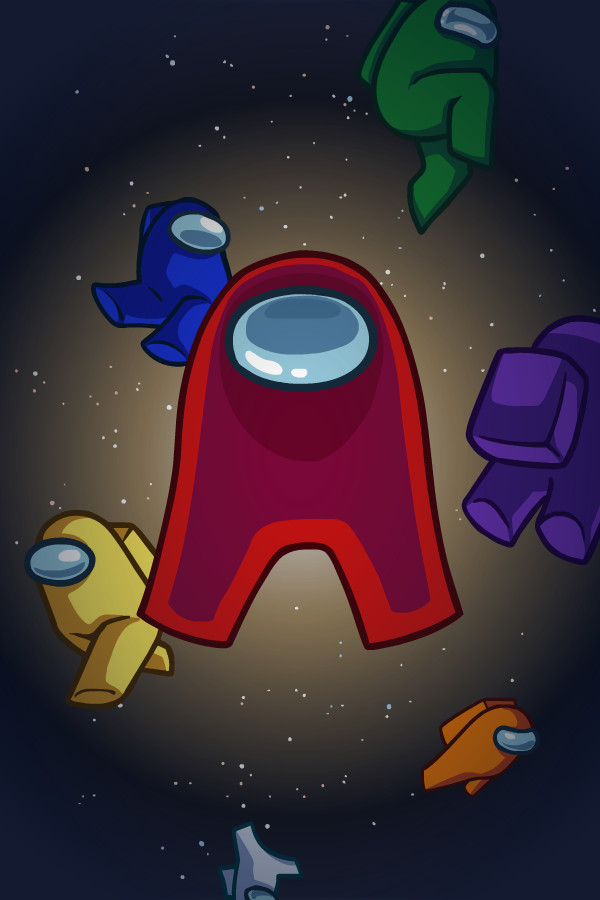
Manage your display, player information and navigation controls from ZINIX.
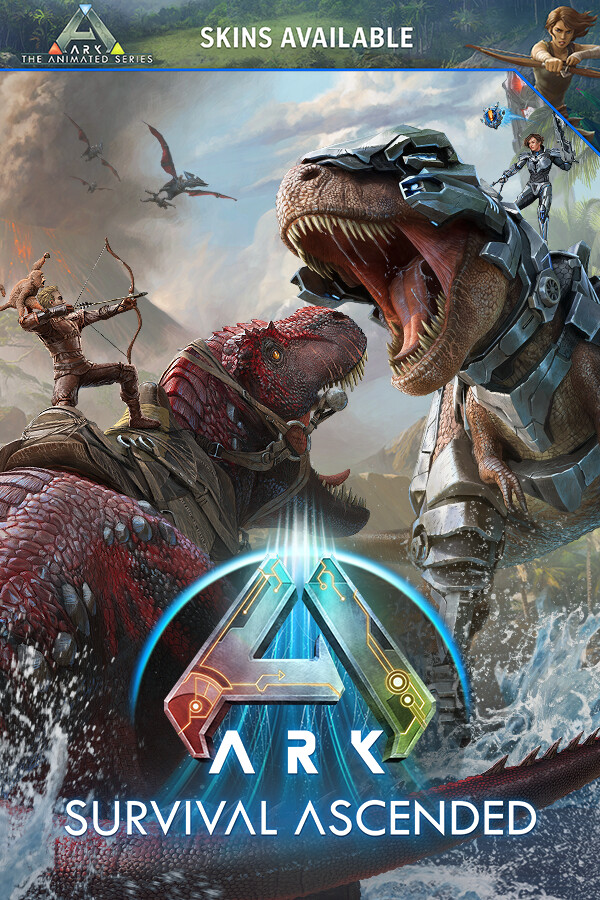
A growing single-player companion for exploring your world and its creatures.
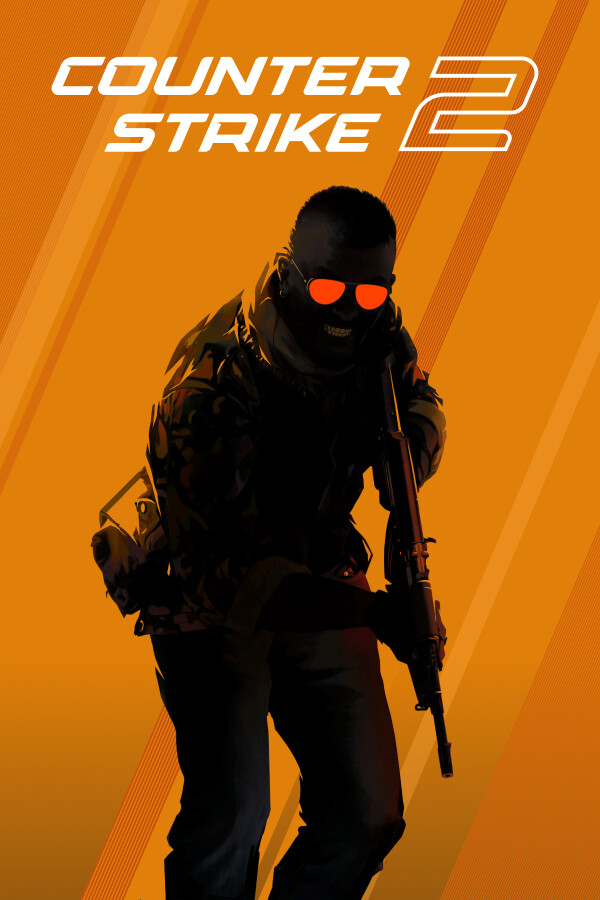
Dedicated display and targeting controls, with compatibility checks for your game build.
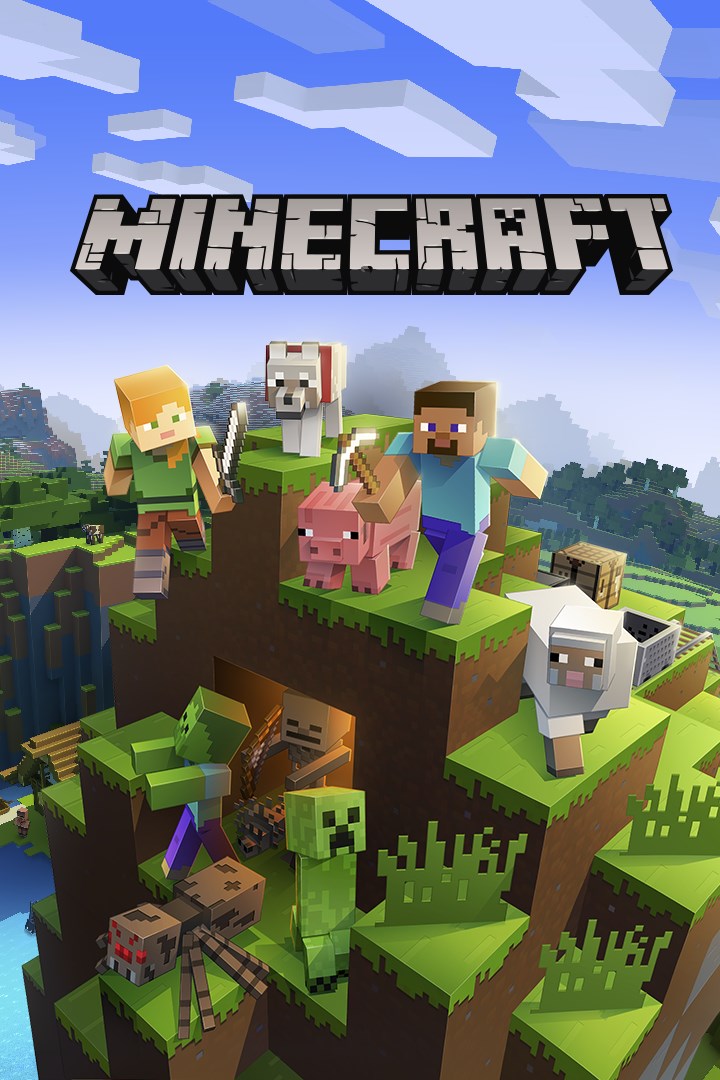
Keep coordinates, navigation and supported local-world controls close at hand.
Rocket League and Fortnite are on the horizon. Follow the upcoming collection; release dates have not been announced.
On the horizonWindows 10 / 11 · x64 · 55.9 MB